
Why Traktor fits DJ Nimi's workflow: S8, cues, stems and music preparation
A practical look at the Traktor workflow behind DJ Nimi's preparation tools: what each part helps with, what still needs listening and where the beta has limits.
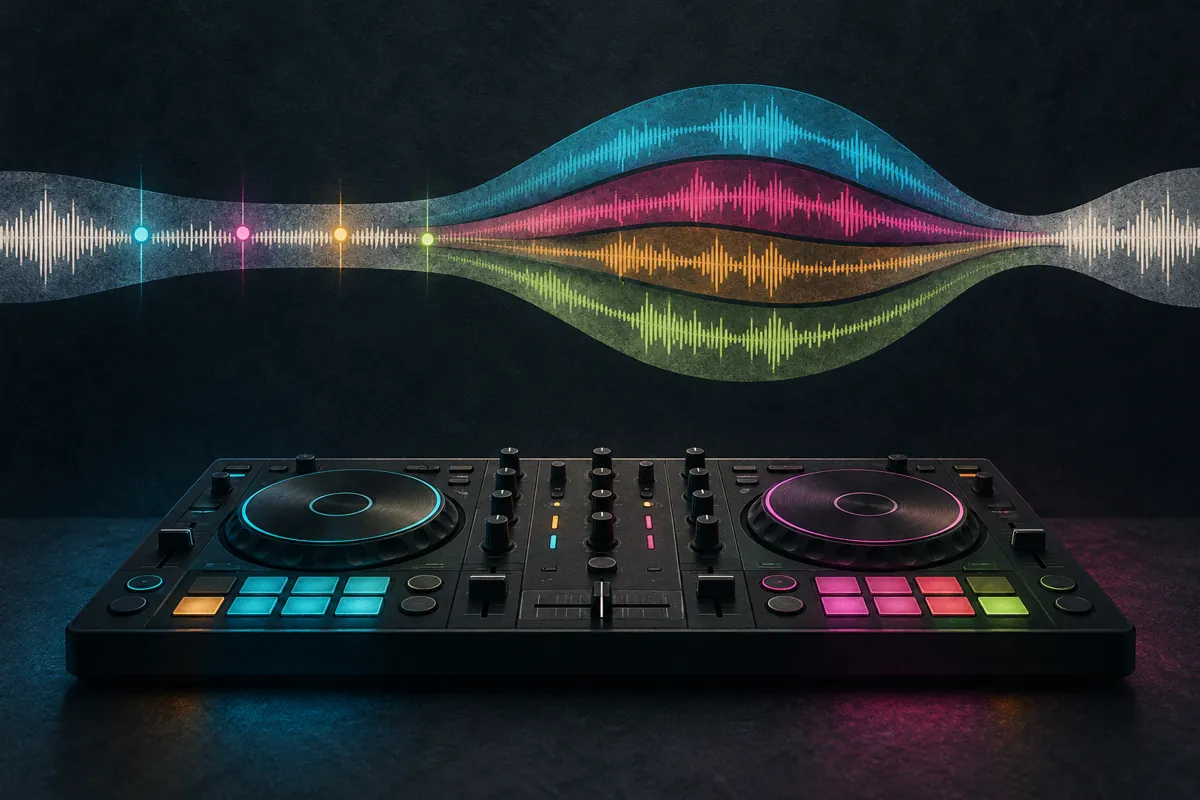
Traktor fits the workflow presented by DJ Nimi because it connects the Kontrol S8 with the preparation tasks explored throughout this site: cue points, stems, keyboard control and readable track titles. DJ NIMI Traktor Suite grew around those practical needs. This is an explanation of that working approach, not a claim that one application is best for every DJ or that a preparation tool can replace musical judgement.
What problem is this workflow trying to solve?
Preparing music involves many small decisions before the audience hears anything. Files need to be found, titles need to be readable and useful musical landmarks need to be checked. Creative options such as stems also require time and attention. When preparation becomes fragmented, it can take energy away from listening and rehearsing the actual set.
The aim of the Suite is to bring several related tasks into one Mac utility. That does not make the tasks identical or remove their limitations. A suggested cue point, a request sent to Traktor and a controller customisation each need a different kind of verification. Understanding those differences is central to using the workflow sensibly.
DJ Nimi is the artist name associated with this independent project. The music context includes breakbeat, drum and bass and finger drumming, but the preparation issues are not confined to one genre. The useful question is whether a particular tool addresses a problem in your own collection without introducing unnecessary complexity.
Why does the Kontrol S8 matter in this setup?
The S8 is part of the setup described by DJ Nimi, so the relationship between controller information and software behaviour matters. When browsing and performing, readable titles and predictable controls help reduce hesitation. A small change can be valuable if it makes an action easier to understand while the music is running.
The Suite's documented S8 options are specific customisations for a supported configuration. They are not a general upgrade for every Native Instruments controller. Check the exact Traktor build and the relevant guide before applying them. A feature demonstrated on one controller should not be assumed to work on another merely because both connect to Traktor.
Keep an original configuration and a clear restoration route. Test loading and the affected controls away from a live performance. The purpose is a more comfortable workflow, not experimentation in the middle of a set. If a change does not serve your playing style, a familiar unmodified setup may be the better choice.
How do useful cue points improve preparation?
A cue point is most helpful when it represents something you understand in the music. That might be a clean downbeat, the start of a main section, a vocal entrance or an exit with enough room for a transition. Consistency makes the markers easier to interpret, especially when you return to a track after several weeks.
The Suite can suggest hot-cue locations, but suggestions still need listening. A beatgrid error, an unusual phrase length or a change of tempo can affect the result. Preview the proposed point and ask whether it supports the transition you intend to make. A mathematically tidy position is not always the most useful musical position.
Do not fill every slot simply because it exists. Keep the markers that help you recognise the arrangement and act confidently. Where a tool offers preservation or replacement options, understand which existing cues and loops may be affected. Backing up a collection is particularly important before making changes across many tracks.
How do stems change the way a transition can work?
Separated parts can create space that is difficult to obtain from two complete mixes. Removing a competing vocal or introducing percussion without the incoming bass can make a transition easier to shape. These are musical possibilities, not obligations. A straightforward transition may remain the strongest choice for a particular pair of tracks.
Listen to the separated material before relying on it. Dense recordings can produce leakage or audible artefacts, especially when a part is exposed. A texture that works briefly inside a blend may not work as a long solo passage. Keep a normal mixing route available and judge the result with your ears rather than by the presence of separate coloured controls.
Traktor performs the stem separation in the playlist workflow described here. The Suite sends requests; it is not a competing separation engine. This distinction matters when estimating preparation time, interpreting progress and troubleshooting. Sending an instruction successfully does not establish that every requested output has finished processing.
What should I know about the playlist stems workflow?
The current documented approach works through the playlist rows you specify and sends requests in sequence. It can also request tracks that already have stems, so repeated generation is possible. Prepare a small test playlist first and follow the current instructions for selecting the starting row and entering the visible track count.
The delay between requests controls how instructions are sent, not how quickly Traktor finishes separating the audio. Do not interpret a completed request count as a verified collection of finished files. Let Traktor complete its own work and check the results before planning a performance around them.
Keep the preparation session separate from playing a set. Follow the guide's requirements for application focus and playback state, and avoid changing the playlist while the sequence runs. If the process stops, inspect the state before starting again. Guessing where it stopped can cause repeated requests or skip the rows you actually intended to process.
Why are keyboard controls part of a preparation utility?
A useful shortcut reduces repeated movement and makes a common action easier to reach. The benefit depends on the mapping and on what you already use. Importing a mapping without understanding its scope can replace or conflict with familiar controls, so treat keyboard changes as configuration work rather than a harmless cosmetic adjustment.
Read the distinction between the available mapping options and preserve your existing settings. Test each action on a small collection. Check the required keyboard layout and confirm that a shortcut performs the expected operation when the intended application has focus. A key combination that works in one context may have another meaning elsewhere.
Keep the setup simple enough to remember. A smaller number of dependable actions is often more useful than a large mapping you need to look up continually. Printed labels or a short guide can support learning, but the final test is whether the controls become comfortable during actual preparation.
How do multilingual titles affect a DJ library?
Unreadable titles turn a simple search into a guessing exercise. The issue may involve font coverage, text shaping, direction or the stored metadata itself. These are related problems, but they are not interchangeable. Installing a different font cannot guarantee that every title, interface or controller screen will display correctly.
The site's guides separate Hebrew and Arabic-related workflows so that changes can be tested carefully. Preserve the original metadata and use sample material before changing a working collection. Check what has actually improved: the browser display, the stored title or a specific rendering case. Do not assume that a change in the Mac interface also modifies a hardware screen.
Readable information is part of performance confidence. It helps you choose the intended version and reduces the chance of confusing similarly named tracks. That is a practical accessibility benefit, not a reason to rewrite artists' names or replace meaningful titles with arbitrary labels.
How should I test the Suite without risking my working collection?
Begin with the current download page, which is the reference for the available release and compatibility notes. The Suite is an independent experimental Mac utility, not an official Native Instruments application. Traktor and its licence remain separate. Read the installation guidance and the limitations of the feature you plan to use.
Back up the music library data and settings that could be affected, then work with a small test collection. Use a mixture of ordinary and more difficult tracks so that you learn what the tool does before scaling up. Confirm that you understand how to restore the relevant data, rather than merely assuming a backup exists somewhere.
Change one part of the workflow at a time. Test cue preparation separately from keyboard mappings or S8 customisations. This makes it easier to identify the cause if something behaves unexpectedly. Keep notes on the computer, operating system, Traktor version and exact steps so that a useful report can be made.
What feedback helps improve the project?
Describe the goal, the steps you followed and the result you expected. Include the relevant software versions and controller where appropriate, but do not publish private library files or sensitive information. A short reproducible example is more useful than saying that everything failed without identifying the action that failed.
Distinguish a feature request from a fault. You might want a different cue pattern even when the existing option works as documented. Explaining the musical use case helps make that request understandable. For a fault, explain what happened in the small test and whether the original data remained intact.
What should remain the DJ's decision?
Track selection, timing and the shape of the set still belong to the performer. Preparation software can organise actions and suggest landmarks, but it cannot know exactly what a room needs or which imperfect transition will feel right in a particular moment. Use the saved time to listen more closely, not to avoid listening.
The value of this Traktor workflow is therefore practical: reduce avoidable friction, make information easier to use and prepare creative options with clear limits. Start with the feature that solves a real problem for you, test it carefully and keep what improves the work. The music remains the reason for building the tools.
Sources and listening
Questions and answers
Why does DJ Nimi use Traktor?
The workflow described here centres on Traktor with a Kontrol S8 and practical preparation needs: cue points, stems, keyboard controls and readable multilingual titles. It explains that setup rather than claiming Traktor is universally better than competing software.
What does DJ NIMI Traktor Suite add?
The independent Mac beta brings together preparation tools for suggested hot cues, playlist stem requests, specific S8 options, keyboard tools and title-display workflows. Check the current download page and individual guides for the supported versions and limitations.
Does the Suite create stems with its own audio engine?
No. Its playlist workflow sends stem-generation requests to Traktor, which performs the separation. A request counter is not a count of completed stem files, and tracks that already have stems may be requested again.
Can I use the preparation utility instead of buying Traktor?
No. The Suite does not replace Traktor or its licence. It is a separate experimental utility, and its features depend on the relevant Traktor workflow and supported setup.
Does the S8 option support every Traktor controller?
No. The documented S8 customisation is specific to its supported configuration. Do not assume that it applies to a D2, S4 or another controller, or to an unverified Traktor build.
What should I do before trying the free Mac beta?
Read the current compatibility and installation notes, back up your collection and settings, and begin with a small test playlist away from a performance. It is experimental software used at your own risk and is not an official Native Instruments product.


Comments, questions & ideas
Help shape Traktor Suite: what worked, what is missing, and what should improve? For bugs, include the app version, macOS, controller and steps to reproduce.