
Which DJ software should I choose for my equipment and playing style?
Choose DJ software around your equipment, music library and performance needs. This guide gives you a practical way to compare options without chasing feature lists.
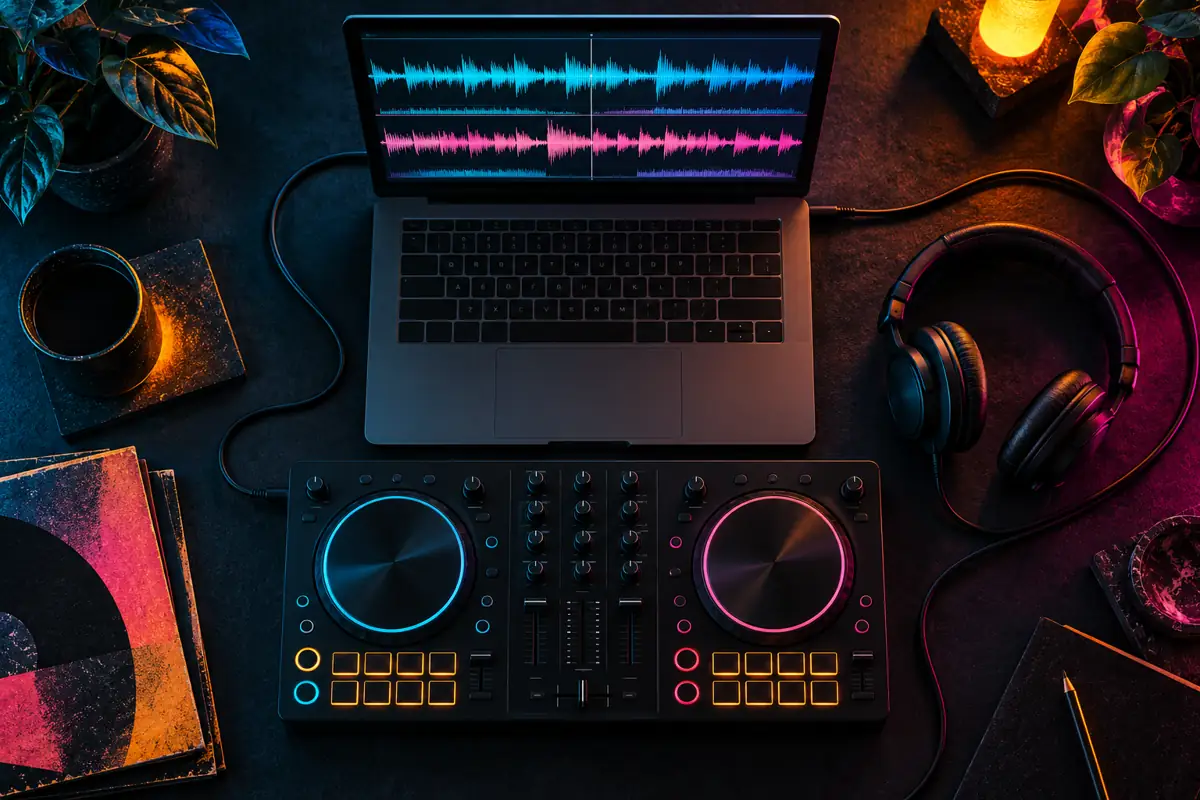
Choose DJ software by matching your equipment, library and performance workflow, then test the finalists with the same music. Traktor, rekordbox, Serato DJ Pro, VirtualDJ and djay all deserve consideration in the right context, but a long feature list does not establish which will serve you best. Verify current compatibility, licensing and system requirements before committing to a setup.
What should I decide before comparing DJ applications?
Write down how you intend to perform. Will a laptop remain connected throughout the set? Do you prepare music for standalone players? Do you use a controller, a mixer with timecode control or mostly keyboard controls? These questions narrow the decision more effectively than asking which software is most professional without describing the job it needs to do.
List what you already own and identify the exact models. A familiar brand name is not enough: different generations of a controller can have different support. Include your computer, operating system, audio interface and any external storage. Then separate essential requirements from features you would merely like to explore. This prevents one attractive extra from outweighing a missing basic capability.
Think about the next realistic step, not every possible future performance. If you expect to use another venue's players soon, investigate that workflow now. If you mainly practise at home, a dependable setup that encourages regular use may matter more than a complicated system designed around hypothetical equipment.
When is Traktor worth considering?
Traktor Pro includes tools such as stem separation and flexible beatgrids. The meaningful question is how those tools fit your music and hardware. Test a representative collection rather than relying on a demonstration with perfectly suitable material. A feature becomes valuable when it reduces friction or gives you a musical option you can actually use.
For someone working with a Traktor controller and a laptop library, the relationship between browsing, cue preparation and performance controls deserves close attention. Try the tasks you repeat most often. Can you locate the next track quickly, preview it comfortably and understand the controller state without constantly checking several panels?
DJ Nimi's documented workflow involves Traktor and the Kontrol S8, with attention to cue preparation, stems and multilingual titles. That provides a practical reason to discuss Traktor here, but it is not proof that it is the right choice for every DJ. An independent preparation utility should be evaluated separately from the playback software it supports.
When should I look closely at rekordbox?
If your intended performance uses compatible standalone equipment, start by examining the relevant preparation and export workflow in rekordbox. Confirm the requirements for the exact player rather than assuming that any prepared drive will behave identically everywhere. Library preparation and live laptop performance are related but distinct tasks.
Test the journey from importing a file to using it on the destination equipment. Check whether the cues, playlists and other information you rely on appear as expected. A convincing laptop demonstration does not replace this final step. If you move between several venues, document the formats and preparation choices that work on their actual systems.
Also check which features depend on hardware unlocks or a subscription. Avoid comparing a fully enabled demonstration with another application's basic mode and calling the difference a fair test. Evaluate the configuration you would genuinely use, including any ongoing services you expect to keep.
What should I test in Serato DJ Pro?
Serato DJ Pro offers stems and supported hardware workflows, including options relevant to DVS. Start with its compatibility information for your exact equipment. Then test the interaction between pads, transport controls, library browsing and audio routing. Software support is most useful when the whole setup behaves predictably.
If scratching or quick performance actions matter to you, evaluate response using your actual computer and audio settings. Do not infer a winner from an online clip recorded on a different system. Perceived response depends on several parts of the setup, and a comfortable configuration for one performer may not suit another.
Check what your hardware unlocks and whether additional features require a separate licence or plan. Write down the complete configuration you tested so that you do not later discover you were relying on a temporary trial. The purchase decision should reflect the working system rather than only the initial download.
When could VirtualDJ or djay be a better fit?
VirtualDJ and djay are additional options to evaluate against the same requirements. Read their current platform and hardware information, then test the functions important to your sets. Do not dismiss an application because its interface differs from the one you first learned, and do not assume that a familiar-looking interface guarantees the same behaviour.
A mobile or multi-device workflow needs particular care. Check where the library lives, how music becomes available on each device and what happens without an internet connection. Confirm that the features shown for one platform also apply to the version you plan to install. Similar product names can cover different capabilities or system requirements.
For performance features such as stems, compare the result in a real transition. A separated vocal may sound impressive on its own but behave differently against another arrangement. Equally, an imperfect isolated part can be useful when used briefly and musically. Judge the result you intend to perform, not only a technical demonstration.
How should I compare stems between DJ applications?
Use the same small set of authorised audio files and select different kinds of material: a dense vocal track, a sparse recording and something with busy percussion. Listen for leakage, damaged transients and unstable ambience in the parts you would actually expose. Keep the volume comparable so that a louder result does not automatically seem better.
Observe the workflow as well as the sound. Does processing happen in advance or during use? How does it affect the computer while you browse and play? Can you clearly tell when a prepared result is ready? Check current documentation for any restrictions on particular file sources or integrations. A feature's existence does not guarantee identical availability in every context.
Keep ordinary mixing in the test. If the application encourages you to depend on stems for every transition, temporarily remove that option and evaluate the basic experience. Reliable browsing, cueing and level control remain important even in a performance built around separated parts.
What library problems should I test before switching?
Make a small test library containing the cases that matter to you: several formats, long titles, non-Latin text, existing cues and a few unusual arrangements. Check searching, sorting and moving between playlists. A library that looks tidy with ten demonstration files may feel very different when your own naming conventions and metadata are involved.
Treat migration as a separate project. The audio files are only one part of your preparation. Playlists, beatgrids, cue points, loops and application-specific settings may not transfer together. Keep the original library backed up and test any conversion process on copies before changing your working collection.
After a trial conversion, open several tracks and listen at the saved markers. Counting the number of imported files is not enough to confirm musical accuracy. Check that the software references the intended file and version. A shifted cue or a duplicate with a similar name can be easy to miss until a performance.
How do I compare the real cost of a DJ setup?
Include software, any required expansions or subscription, supported hardware and storage or cloud services you actually need. Check current terms directly because prices, bundles and eligibility can change. Do not assume the cheapest initial download will produce the lowest total cost, or that a larger subscription will necessarily improve your sets.
Consider the cost of changing an established workflow too. Rechecking a library and learning new controls takes time. That investment may be worthwhile when it solves a real problem, but it should be part of the decision. Switching only because another interface looks exciting can create more preparation work than performance benefit.
A useful comparison is a short written requirement list beside the actual configuration and cost for each finalist. Mark a requirement as verified only after checking it. Separate confirmed support from something you hope can be achieved with a custom mapping or third-party conversion.
What is a fair hands-on test before I choose?
Prepare a short practice set in each finalist using the same tracks. Import them, organise a playlist, check analysis, save cues, make several transitions and record the result where the software and source permissions allow. Keep notes about both musical outcomes and the small actions that interrupt your concentration.
Repeat the test after the first unfamiliar session. Every interface has a learning curve, so initial confusion should not automatically disqualify an option. At the same time, do not ignore a repeated compatibility problem just because you like an advertised feature. Reliable access to your essential controls matters more than a promise you cannot reproduce.
Before using a new setup publicly, rehearse the complete system and keep a recovery plan. Avoid major software or operating-system changes immediately before an important set. Choose the application that supports clear decisions, dependable playback and regular practice. Your musical judgement remains the part that no feature comparison can replace.
Sources and listening
Questions and answers
What is the best DJ software for a beginner?
Start with software that supports your existing controller and computer, then test browsing, cueing and mixing. The most useful choice is the one you can practise with reliably; there is no single winner for every beginner.
Should I choose Traktor or rekordbox?
Compare your actual playback workflow. If you prepare for compatible standalone players, investigate the required export workflow. If you perform from a laptop with a Traktor setup, test that workflow directly. Hardware and library requirements should guide the decision.
Do all DJ applications support my controller?
No. Confirm the exact model, operating system and software version in the manufacturer's compatibility information. Basic MIDI support does not necessarily provide full access to screens, audio routing or every performance control.
Which DJ software has the best stems?
There is no universal result for every recording and computer. Test the same authorised files, listen to isolated parts and transitions, and compare processing demands as well as audible artefacts. Feature availability can depend on the version or plan.
Will my cues and playlists transfer when I change DJ software?
Do not assume a complete transfer. Audio files, playlists, cue points, grids and software-specific settings are different data. Back up the original library and test a small conversion before committing to a migration.
Is DJ NIMI Traktor Suite a replacement for Traktor?
No. It is an independent experimental Mac preparation utility for specific Traktor workflows. Traktor and any required licence remain separate, and the current download page explains the supported setup and limitations.

Comments, questions & ideas
Help shape Traktor Suite: what worked, what is missing, and what should improve? For bugs, include the app version, macOS, controller and steps to reproduce.